Every product you sell online needs a title, a brand, a category, an image, and a description before it can convert a shopper. When you're listing a handful of items, you can type that in by hand. When you're onboarding a wholesale lot, migrating a catalog, or running thousands of SKUs across Amazon, Shopify, and eBay, manual data entry becomes the bottleneck that quietly caps your growth.
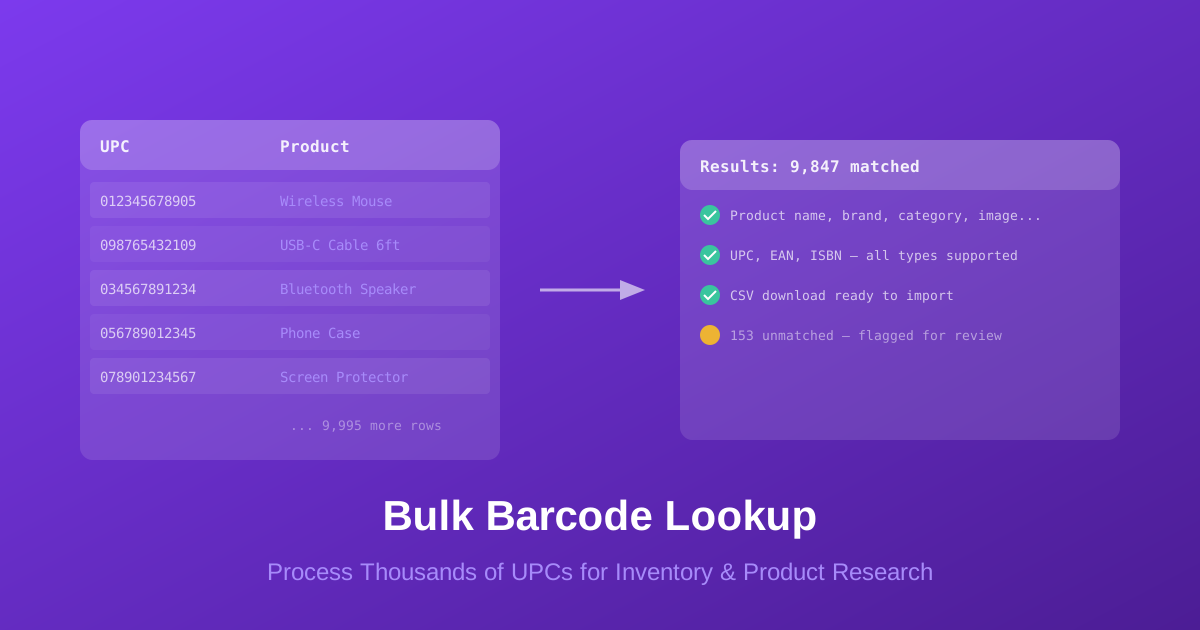
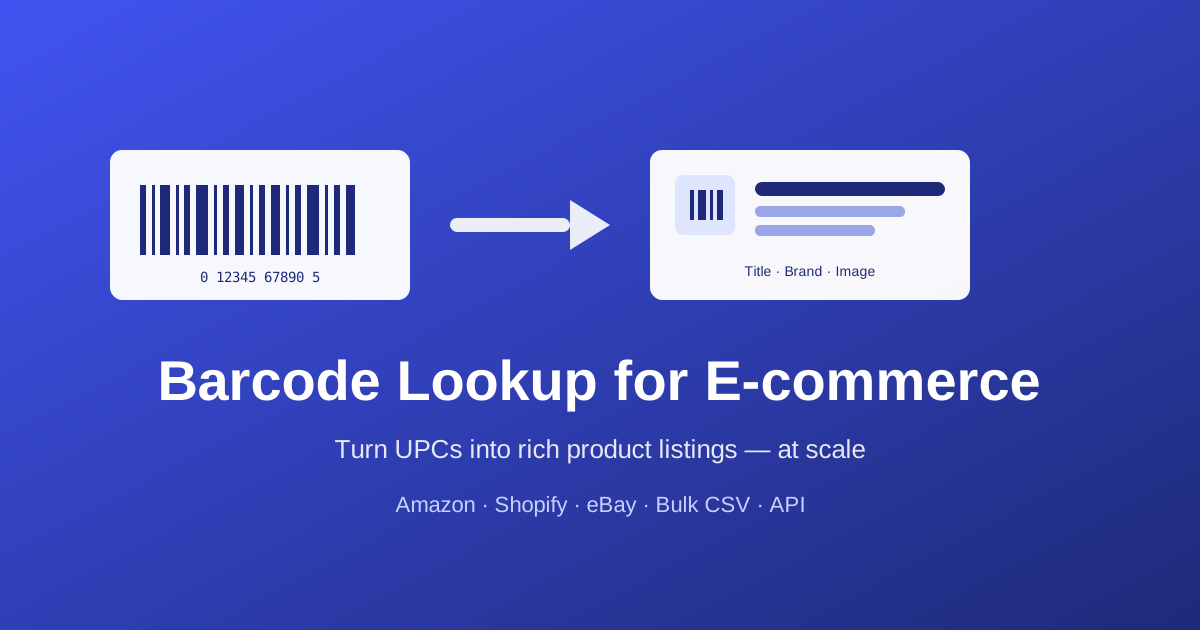
Barcode lookup for e-commerce solves this by turning a single number — the UPC, EAN, or ISBN already printed on the product — into structured, listing-ready product data. Scan or export the barcodes you have, look them up against a product database, and get back the names, brands, categories, and images you need to publish accurate listings fast.
This guide walks through why clean product data matters for online selling, the three ways to run barcode lookups (single, bulk, and API), how to enrich listings on the major marketplaces, what match rates to expect, and a step-by-step workflow you can use today with BarcodeReport.com.
Why E-commerce Listings Need Clean Product Data
Marketplaces reward complete, accurate listings and punish thin ones. The quality of your product data directly affects three things that determine whether you sell:
- Discoverability — Amazon, Google Shopping, and eBay all use GTINs (the barcode number) to match your listing to the right catalog entry and surface it in search. A missing or wrong barcode can suppress your listing entirely.
- Conversion — Shoppers don't buy what they can't understand. Listings with a real product title, brand, image, and bullet points convert far better than placeholder entries.
- Operational accuracy — Clean data keeps inventory, repricing, and fulfillment in sync. Mismatched products cause oversells, returns, and account health problems.
The catch is that the data you need already exists — it's tied to the barcode. Instead of researching each product manually, a barcode lookup retrieves it for you. The only question is how many products you need to process and how often.
Single vs Bulk vs API: Which Lookup Method Fits
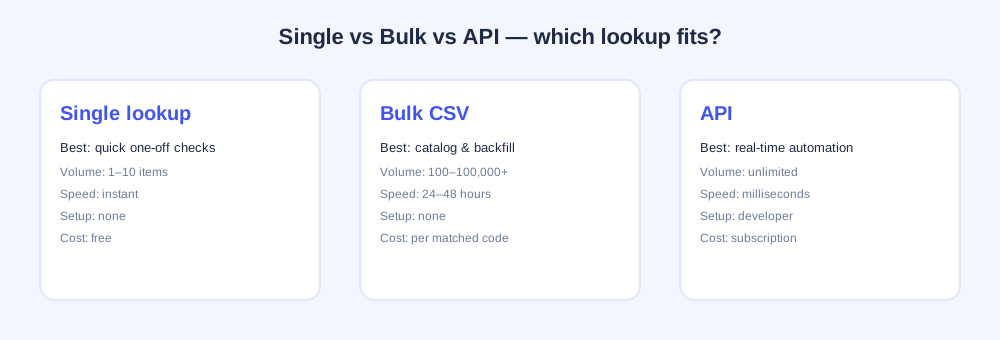
There are three ways to look up barcodes, and most growing sellers eventually use more than one. The right choice comes down to volume, frequency, and whether you have developer resources.
| Method | Best for | Volume | Speed | Setup |
|---|---|---|---|---|
| Single lookup | Quick one-off checks | 1–10 items | Instant | None |
| Bulk CSV | Cataloging & backfilling | 100–100,000+ | 24–48 hours | None |
| API | Real-time automation | Unlimited | Milliseconds | Developer |
- Single lookup is the free, instant search on the homepage — perfect for spot-checking a product or verifying one barcode before you list it.
- Bulk lookup takes a CSV of barcodes and returns a spreadsheet of product data. It's the workhorse for onboarding inventory and backfilling existing catalogs. See the bulk barcode lookup guide for the full breakdown.
- The API returns data in real time, one call at a time, so it can power listing automation, repricing tools, and scanning apps.
A common pattern: use bulk lookup once to enrich your entire existing catalog, then wire up the API so every new product you receive is enriched automatically going forward.
Enriching Listings on Amazon, Shopify & eBay
Each marketplace consumes product data a little differently, but the workflow is the same: get the enriched data from a barcode lookup, then map it into the platform's import format.
Amazon
Amazon requires a valid GTIN (your UPC/EAN) for most categories and matches it to its catalog. If the product already exists in Amazon's catalog, you list against it; if not, you create a new product detail page using the enriched data. Barcode lookup gives you the title, brand, and category you need for the flat-file or "Add a Product" flow, and it lets you verify that your barcodes are valid before you upload — avoiding the GTIN errors that block listings.
Shopify
Shopify accepts a product CSV with columns for title, vendor (brand), product type (category), body (description), and image URL. Barcode lookup output maps almost one-to-one onto that template. Store the barcode in the variant's "Barcode (ISBN, UPC, GTIN)" field so your catalog stays matchable for channels and apps.
eBay
eBay uses product identifiers (UPC/EAN/ISBN) to attach your listing to its catalog, which auto-fills item specifics and improves search placement. Enriched data from a barcode lookup supplies the brand, MPN, and title eBay's bulk listing tools (File Exchange / Seller Hub) expect.
Whatever the channel, keep the raw barcode in a dedicated column in your master spreadsheet. It's the key that lets you re-run a lookup, reconcile inventory, and sync across marketplaces later.
What Match Rates and Data Quality to Expect
No database matches 100% of barcodes — coverage depends on the product type, age, and region. For e-commerce inventory, realistic expectations are:
| Inventory type | Expected match rate |
|---|---|
| Major-brand US consumer goods | 90–98% |
| Electronics & accessories | 85–95% |
| Books (ISBN, post-2000) | 85–95% |
| International products (EAN) | 70–90% |
| Private-label / store brands | 60–80% |
To get the most out of any lookup:
- Preserve leading zeros — Excel strips the leading 0 from 12-digit UPCs. Format the column as Text or edit the CSV in a plain text editor.
- Deduplicate first — bulk lookups charge per matched barcode, so remove repeats before uploading.
- Run a test batch — process 50–100 representative barcodes to gauge your real match rate before committing a full catalog.
- Handle the misses — for unmatched products, try a single lookup for partial data, or submit the barcode to help build the database.
Step-by-Step: Bulk-Enrich an E-commerce Catalog
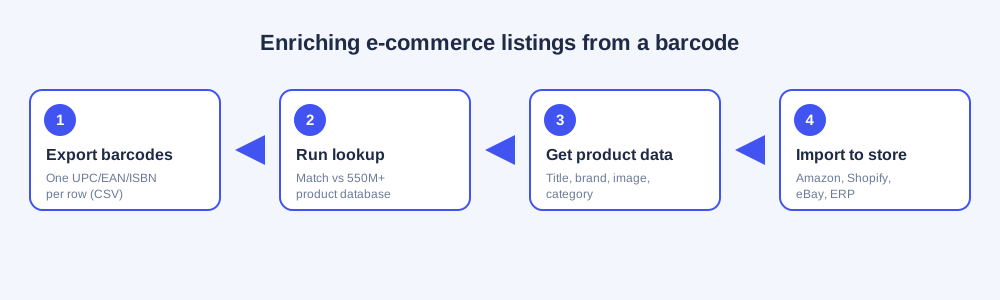
Here's the end-to-end workflow for enriching a catalog with BarcodeReport's bulk lookup.
Step 1 — Export your barcodes
Pull the UPC/EAN/ISBN codes from your inventory system, scanner, or supplier sheet into a CSV with one barcode per row. No header is required, and you can mix formats freely.
012345678905
4006381333931
9780132350884
021130126026
Step 2 — Upload and confirm
Upload the file at BarcodeReport.com/bulk-lookup. The system validates each code, shows the count and type breakdown, and displays the cost before you approve. You only pay $0.10 per matched barcode — unmatched codes are free.
Step 3 — Receive enriched data
Results arrive as a CSV, typically within 24–48 hours, with one row per barcode: product name, brand, category, description, image URL, and match status.
Step 4 — Map and import
Map the columns to your channel's import template (Shopify product CSV, Amazon flat file, eBay File Exchange) and upload. Keep the barcode column intact so your catalog stays matchable.
Automating Enrichment with the API
Bulk lookup is ideal for one-time and periodic batches. Once new inventory arrives continuously, switch to the Barcode Lookup API so enrichment happens automatically the moment a product is scanned or received.
A typical integration:
- Your receiving app or listing tool calls the API with each barcode.
- The API returns product data in milliseconds.
- Your system pre-fills the listing or inventory record — no manual research.
The API documentation covers authentication, endpoints, rate limits, and code samples. Many sellers use bulk lookup to seed the historical catalog and the API to keep it current — the same data, two delivery models.
Looking for the technical side of integrating product data into your own systems? The complete guide to barcode APIs covers generation and lookup APIs in depth.
Frequently Asked Questions
It's the process of converting the UPC, EAN, or ISBN on a product into structured listing data — title, brand, category, description, and image — so you can create or enrich online listings without researching each product by hand.
Run your barcodes through a single, bulk, or API lookup to get the product data, then map the results into the platform's import format (Shopify product CSV, Amazon flat file, eBay File Exchange) and upload. Keep the barcode stored on each product so it stays matchable.
Use bulk lookup for one-time or periodic batches like cataloging existing inventory — no coding required. Use the API for real-time, automated enrichment as new products arrive. Many stores use both.
For major-brand US consumer goods, expect 90–98%. Electronics and post-2000 books typically match 85–95%. International (EAN) and private-label products are lower. Run a small test batch to gauge your specific mix.
Amazon, eBay, and Google Shopping use the GTIN to match your listing to the correct catalog entry, which drives search visibility and prevents duplicate or suppressed listings. Accurate barcodes are essential for discoverability.
Yes. BarcodeReport processes all standard formats in a single upload, so a catalog that mixes consumer products (UPC/EAN) and books (ISBN) can be enriched in one batch.
Related Reading
- Bulk Barcode Lookup: Process Thousands of UPCs — the full batch workflow for inventory and product research
- The Complete Guide to Barcode Lookup — how single barcode lookup works and where to start
- Barcode API: The Complete Guide — generation and lookup APIs for automated systems
Conclusion
Barcode lookup turns the numbers already printed on your products into the listing data that makes them sellable — at any volume. Start with a free single lookup to see the data quality, use bulk lookup to enrich an entire catalog without writing code, and graduate to the API when you need real-time automation. Clean product data isn't a nice-to-have for e-commerce; it's the foundation of discoverability, conversion, and accurate operations.
Ready to enrich your listings?
- Upload your barcode file — $0.10 per match, no subscription
- Search a single barcode — free, instant results
- Explore the API — real-time product data for your store